918-608-8888
 sales@sparkservices.net



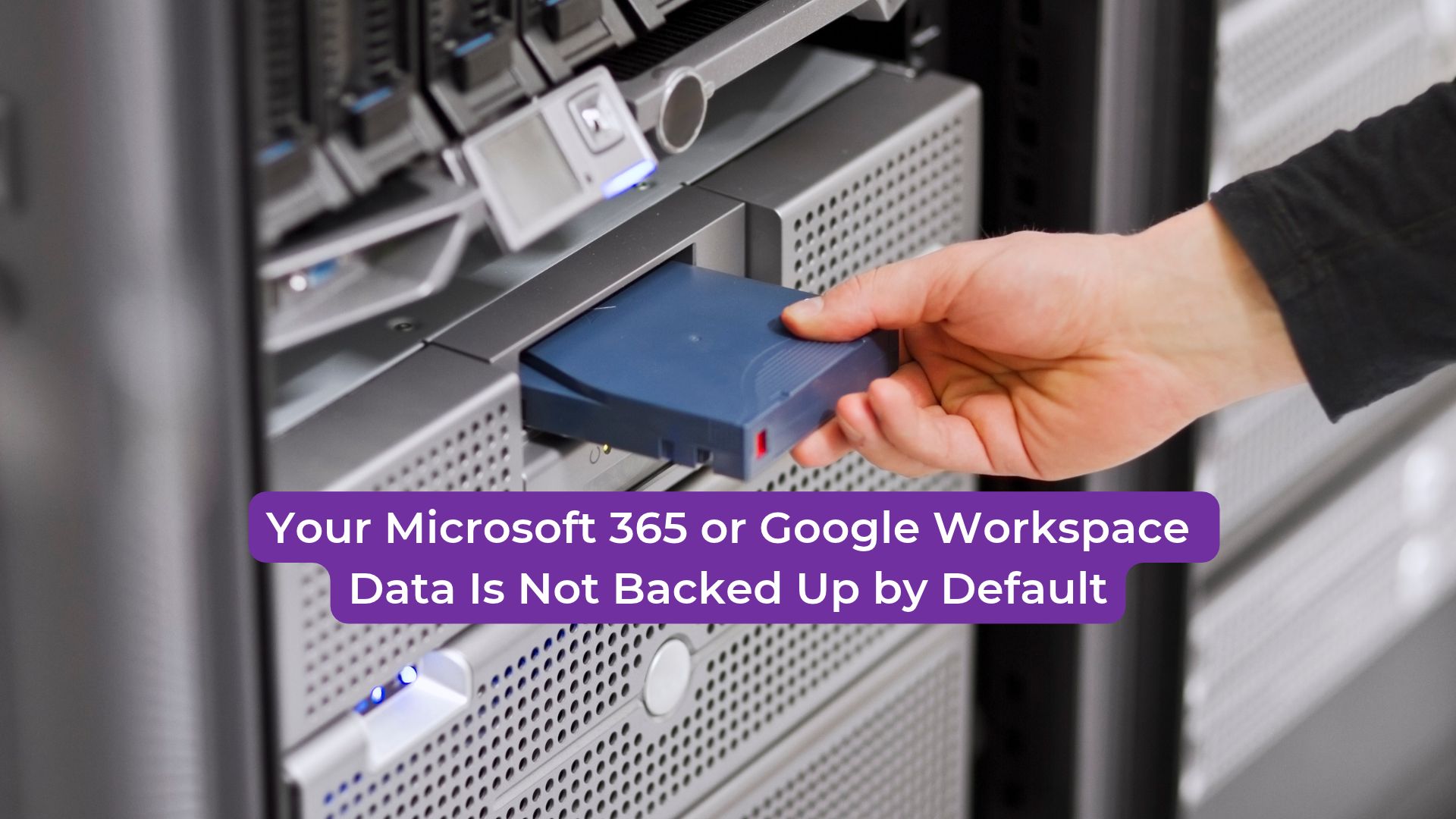
What Does Microsoft 365 or Google Workspace Actually Protect?
Does the provider keep your data safe from every failure?
Providers run redundant infrastructure, so a hardware failure in one data center does not usually take your email offline. That protection covers the platform. It does not cover a file deleted by a staff member, a mailbox purged after a license is removed, or files encrypted by ransomware and then synced to the cloud.
What is the shared responsibility model?
Microsoft and Google describe a shared model: the provider secures the service, and the customer controls its data, users, and settings. Read your provider’s current terms and retention documentation, because the windows and features change. Assume the default recovery window is shorter than the history your business needs.
Do built-in recovery tools replace a backup?
Built-in recovery tools help with short-term mistakes. They are limited by retention settings, by the features included in your plan, and by how quickly someone notices the problem. A separate backup gives you a copy the provider’s retention rules cannot expire on your behalf.
How Does Data Get Lost in a Cloud Suite?
What happens when a user deletes something by mistake?
Deleted files and emails move to a recycle or deleted-items folder, then expire after the retention window. Once they expire, recovery depends on whatever retention settings and backups you have in place. Many staff do not realize a deletion is permanent until months later.
How does ransomware reach cloud data?
Ransomware encrypts files on an infected device. If that device syncs with the cloud, the encrypted versions replace the clean ones. Version history helps only when someone catches the problem before old versions expire. Sync protects against device loss, not against corruption.
What happens when an employee leaves?
When a license is removed, the account and its data can be retired after a set period. Files shared from a departing employee’s account may disappear for everyone else. Mailbox retention and file ownership need to be set before departures, not after.
Can an account be locked out or compromised?
A compromised administrator or user account can delete data, change retention policies, or disable sync and recovery features. Multi-factor authentication and limited administrator roles reduce that risk, and they belong in the backup plan.
How Do You Back Up Cloud Suite Data?
What should a cloud suite backup cover?
Include email, calendars, contacts, shared drives, and individual files. Confirm that the backup covers shared and departed-user data, not only active accounts. A backup that skips shared drives leaves the most important records unprotected.
Where should the backup be stored?
Store it separately from the provider’s service, in a different account or with a different provider. The backup should be unreachable from a compromised user account. Apply the 3-2-1 rule: multiple copies, more than one media type, and one copy off site.
How often should backups run?
Daily is the standard for active business data. Frequency should match how much work the business can afford to lose. Confirm that the schedule actually runs and that failures send alerts to someone who acts on them.
How do you test it?
Restore a sample of emails and files to a separate location each quarter. Time the restore and confirm the files open. Record the result. A backup that has never been restored is an untested assumption.
What access controls should you set?
Turn on multi-factor authentication for every administrator and user. Limit the number of administrators, and separate backup administration from daily IT administration where possible.
FAQ
Does Microsoft 365 or Google Workspace back up my data?
The platforms keep their own infrastructure running and offer retention and recovery features. Those features are not a complete, independent backup, and their limits depend on your plan and settings.
Is a backup for cloud suite data expensive?
Cost depends on the number of users and the data volume. Compare it with the cost of a week without email or a lost client archive. Ask any provider for pricing based on your actual user count.
Can I rely on sync to protect my files?
No. Sync keeps devices and the cloud matching. It copies deletions and corruption as faithfully as it copies good files.
Conclusion
Your cloud suite keeps the service running. It does not guarantee that your business records survive a deletion, an attack, or a departure. A separate backup, tested every quarter, closes that gap. SPARK Services can review your current retention settings and set up a backup you can restore from. Contact us to start the review.