 918-608-8888
 sales@sparkservices.net


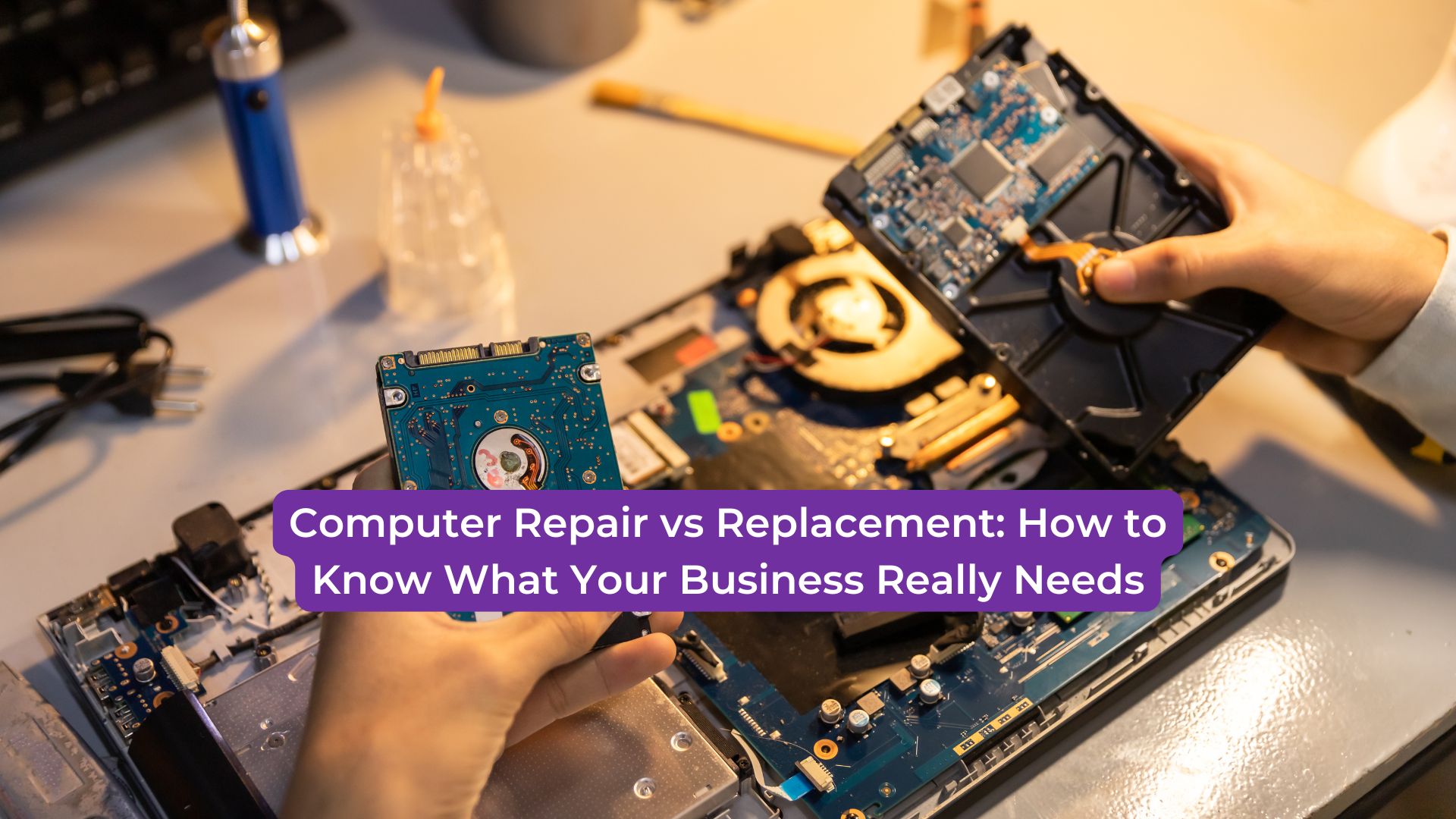
When a business computer starts slowing down, freezing, crashing, or showing errors, one question comes up quickly: Should you repair it or replace it?
For small businesses, this decision matters. Computers are not just office tools. They help manage communication, customer service, billing, files, scheduling, online work, and daily operations. When one device fails, it can affect productivity across the entire team.
But replacing every slow or damaged computer is not always necessary. At the same time, repairing an outdated device again and again can waste money. The key is knowing when repair makes sense and when replacement is the smarter investment.
When Computer Repair Makes Sense
Repair is often the best option when the problem is limited, and the device is still useful for your business.
For example, if a computer is running slowly because of software issues, storage problems, viruses, or unnecessary programs, a professional repair may restore performance. In many cases, cleaning up the system, updating software, removing malware, or replacing a single part can make the device work much better.
Repair may also be a good choice when the computer is only a few years old. If the hardware is still strong enough to support your business software, fixing the issue can extend the life of the device without the cost of a full replacement.
Common repairable issues include slow performance, startup problems, broken screens, failing hard drives, overheating, keyboard problems, software errors, and virus infections.
If the repair cost is reasonable and the device can continue supporting your team, repair may be the practical choice.
When Replacement Is the Better Option
Sometimes, repairing a computer is only a temporary fix.
If the device is very old, cannot run current software, or has repeated hardware failures, replacement may save money in the long run. A computer that breaks down often can cost your business more through lost time, repair bills, and employee frustration.
Replacement may also be necessary if the system is creating security risks. Older computers may not support important software updates, antivirus tools, or modern business applications. This can leave your business more vulnerable to data loss, malware, and cyber threats.
Another sign that replacement may be better is when performance problems continue after repairs. If your team still struggles with slow loading times, crashes, or compatibility issues, the device may no longer meet your business needs.
Consider the Cost of Downtime
The decision is not only about the repair bill or the price of a new computer. You also have to think about downtime.
If an employee loses hours every week because of a slow or unreliable computer, that lost productivity has a cost. If customers have to wait longer because systems are slow, that affects service quality. If a computer fails during a busy workday, your business may lose time, revenue, or important data.
A cheaper repair may not be the best option if the device keeps causing delays.
Think About Business Growth
Your computer needs should match where your business is going.
If your business is growing, adding employees, using better software, or handling more customer data, older computers may hold your team back. A new device can improve speed, security, and reliability.
However, if the computer is used for simple tasks and only needs a small fix, repair may still be enough.
The right choice depends on how important that device is to your daily operations.
Get a Professional Diagnosis First
Before deciding, it is best to get the computer checked by a professional. What looks like a major problem may be a simple repair. What seems like a small issue may be a sign of deeper hardware failure.
A proper diagnosis helps you avoid guessing. It also helps you decide whether repair, upgrade, or replacement gives your business the best value.
Conclusion
Computer problems can slow down your team, frustrate employees, delay customer service, and create unnecessary stress. But the answer is not always to replace the device immediately.
By looking at the age of the computer, repair cost, performance, security, downtime, and business needs, small businesses can make a smarter decision.
SPARK Services helps businesses with reliable computer repair, professional technology support, and practical solutions designed to keep daily operations running smoothly.
Repairing the right device can save money. Replacing the right device can prevent bigger problems. Knowing the difference helps your business stay


