 918-608-8888
 sales@sparkservices.net

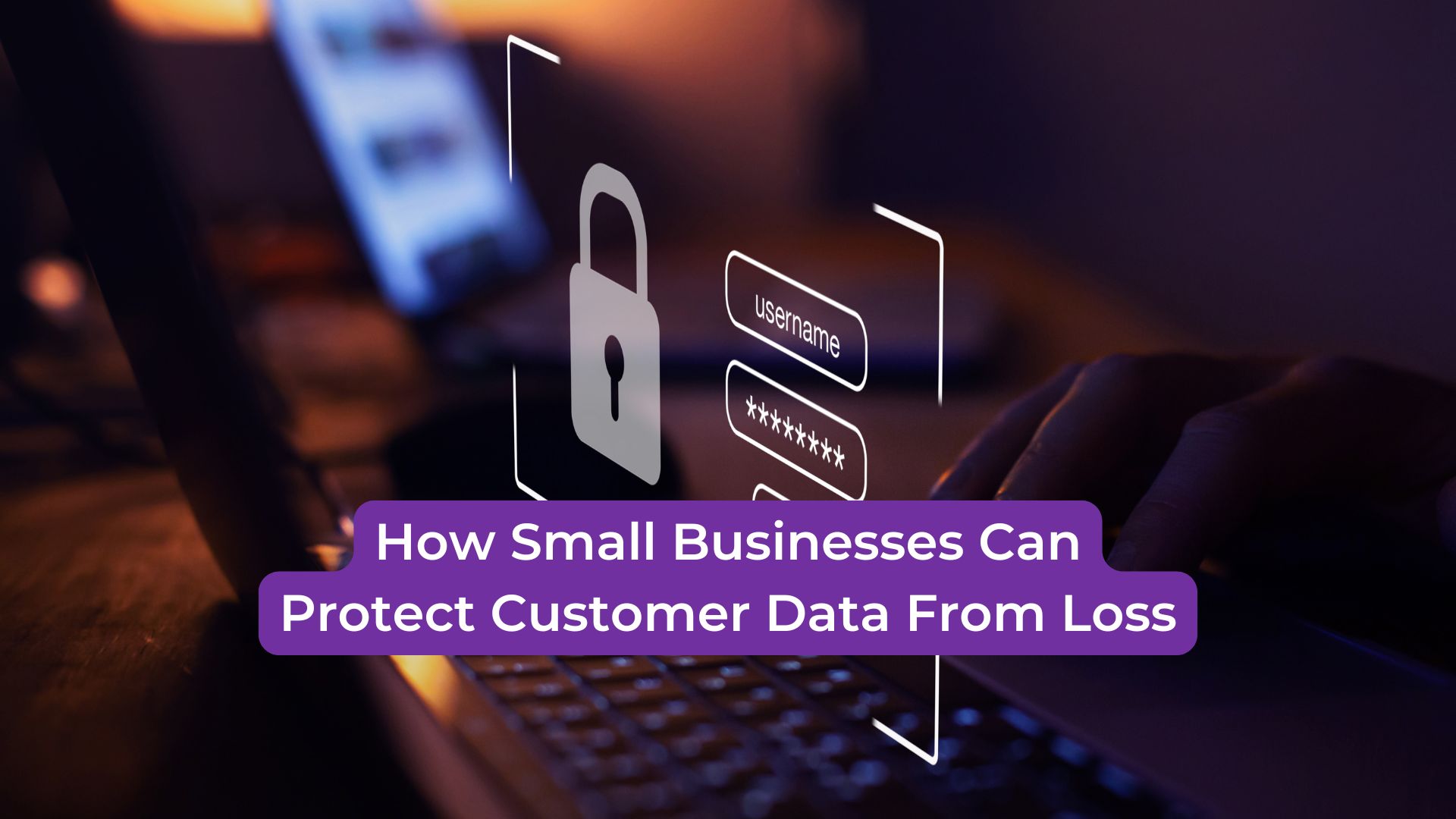
Customer data is one of the most valuable assets a small business has. It may include names, phone numbers, email addresses, payment details, service history, invoices, appointments, contracts, account records, and communication logs.
When that data is safe and accessible, daily operations run smoothly. When it is lost, damaged, deleted, or locked, the entire business can be affected.
Data loss can delay customer service, interrupt billing, damage trust, and create expensive recovery problems. For small businesses, protecting customer data should not be something handled after a crisis. It should be part of everyday technology planning.
1. Set Up Reliable Data Backups
The most important step in protecting customer data is having a reliable backup system.
A backup creates a secure copy of important files and information. If a computer crashes, a hard drive fails, a file is deleted, or malware damages the system, the business may be able to restore the data from backup.
Small businesses should not rely only on occasional manual backups. Saving files to an external drive once in a while may not be enough. Backups should happen consistently and should include the data your business depends on most.
Daily backups are often helpful because customer information changes frequently.
2. Store Backups Securely
Having a backup is important, but where and how that backup is stored also matters.
If backups are stored on the same computer or in the same physical location, they may still be at risk during hardware failure, theft, fire, or malware infection. A safer backup plan may include secure off-site or cloud-based storage.
Backups should also be protected with strong security settings. Customer data should not be easy for unauthorized users to access.
A secure backup system helps protect both business continuity and customer trust.
3. Keep Computers and Software Updated
Outdated systems can increase the risk of data loss. Old software, missing updates, and unsupported programs may create security gaps or performance problems.
Regular updates help fix known issues, improve system stability, and reduce exposure to malware or cyber threats.
Small businesses should keep operating systems, business software, antivirus tools, browsers, and security programs updated. This simple habit can help prevent many avoidable problems.
4. Protect Against Malware and Viruses
Malware can damage files, steal information, slow down computers, or lock business data. Ransomware is especially dangerous because it can prevent businesses from accessing their own files.
Small businesses should use reliable security tools and train employees to avoid suspicious emails, unsafe downloads, fake alerts, and unknown links.
If a computer shows signs of malware, such as pop-ups, slow performance, strange browser changes, or missing files, the issue should be handled quickly. Waiting too long may allow the problem to spread.
5. Limit Access to Customer Data
Not every employee needs access to every file or system. Limiting access helps reduce the chance of accidental deletion, unauthorized changes, or data exposure.
Businesses should review who can access customer records, billing information, passwords, and important documents. Access should be based on job responsibilities.
Strong passwords and multi-factor authentication can also help protect customer data from unauthorized login attempts.
6. Test Your Recovery Plan
A backup system is only useful if the data can actually be restored.
Small businesses should test backups regularly to make sure files are complete, current, and recoverable. It is better to find a backup issue during a routine check than during an emergency.
A strong recovery plan should answer these questions: what data is backed up, how often it is backed up, where it is stored, and how quickly it can be restored.
Securing Your Business Data with SPARK Services
Protecting customer data from loss is not just an IT responsibility. It is a business responsibility. Customer records, invoices, emails, appointments, and service history all help small businesses operate smoothly and serve people with confidence.
By using reliable backups, secure storage, updated systems, malware protection, limited access, and regular recovery testing, small businesses can reduce risk and recover faster when problems happen.
SPARK Services supports small businesses with secure data backup, enterprise data protection, computer repair, and technology solutions designed for real-world business needs.
Protecting customer data today helps protect your business reputation, daily operations, and customer trust tomorrow.


